MCP analytics
Give agents real visitor evidence.
KrystalView turns session replay, heatmaps, funnels, campaign attribution, errors, rage clicks, and friction scores into queryable context for Claude, Cursor, Slack workflows, and your own MCP-compatible tools.
What your agent can ask
Sessions
Find visitors by device, country, campaign, friction, rage clicks, and page path. Open replay evidence instead of guessing from aggregate charts.
Funnels
Ask where visitors drop off, which steps leak paid traffic, and which sessions explain the conversion gap.
Anomalies
Surface traffic spikes, drops, friction changes, and error patterns with context your agent can cite in the next task.
Dashboard first, MCP native.
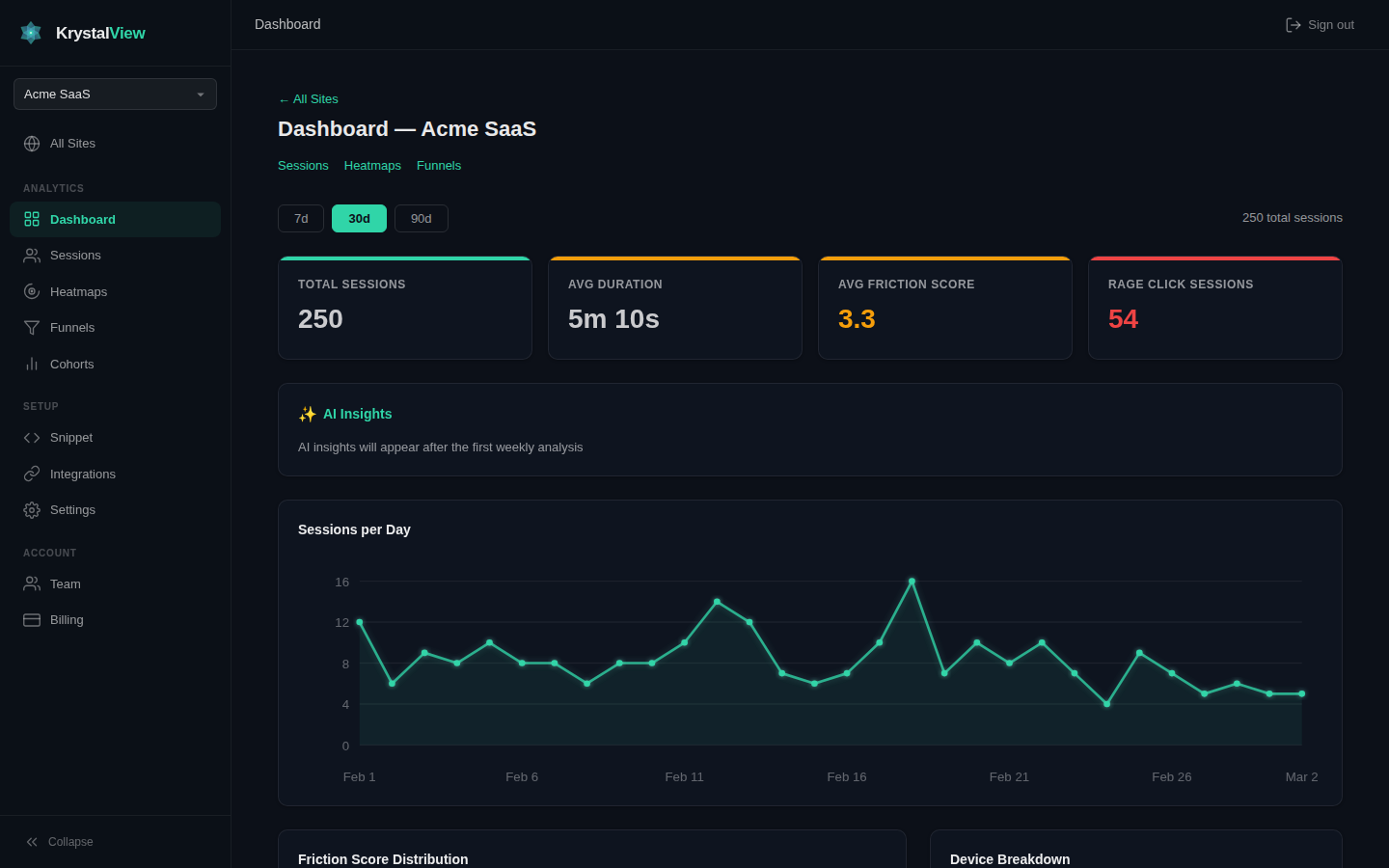
KrystalView works as a normal analytics dashboard on its own. MCP is the optional native integration path that lets coding agents and workflow agents query the same visitor evidence while work is happening.
Useful prompt: "I am editing /pricing. Which real visitors struggled here, which campaign sent them, and are errors involved?"
pip install krystalview-mcp
export KRYSTALVIEW_API_KEY="kv_live_..."
krystalview-mcp
FAQ
Do I need MCP?
No. The SaaS dashboard works on its own. MCP is for teams that want AI tools to query analytics evidence directly.
Which clients work?
Any MCP-compatible client can connect. The public package is available on PyPI as krystalview-mcp.
What data is exposed?
Only the site data available to the API key you create in KrystalView. Keys can be rotated or revoked.