Friction detection
Spot the moments visitors fight the page.
KrystalView flags rage clicks, repeated dead clicks, error-heavy visits, and high-friction behavior so your team can focus on sessions that explain lost conversions.
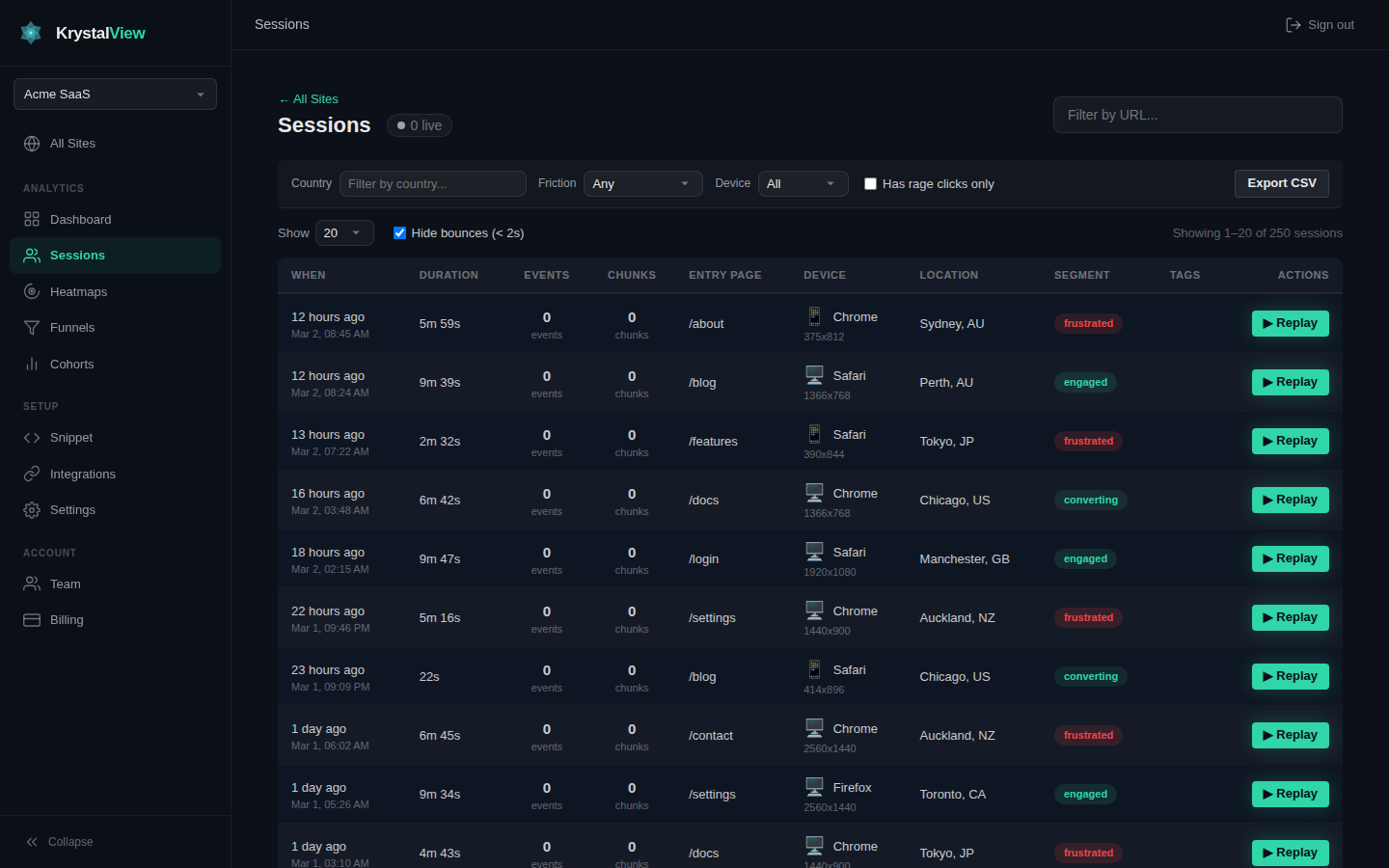
Friction signals in context
Rage clicks
Find repeated clicks on the same area and open the replay to see what the visitor expected.
Friction scores
Prioritize sessions with signals that indicate confusion, delay, errors, or failed intent.
AI summaries
Turn session evidence into concise explanations your product, support, or growth team can act on.
FAQ
What is a rage click?
A rage click is a repeated clicking pattern that often signals confusion, broken UI, or an element that looks clickable but is not.
Can I filter sessions by friction?
Yes. KrystalView lets you focus on high-friction sessions and inspect the underlying replay.
Can agents query friction?
Yes. MCP workflows can ask for high-friction sessions and related evidence.